Settings — Company
Permission: Admin only.
Settings → Organization → Company holds your organization’s basic information. It’s the page Settings opens on.
For an overview of all Settings sections, see Settings.
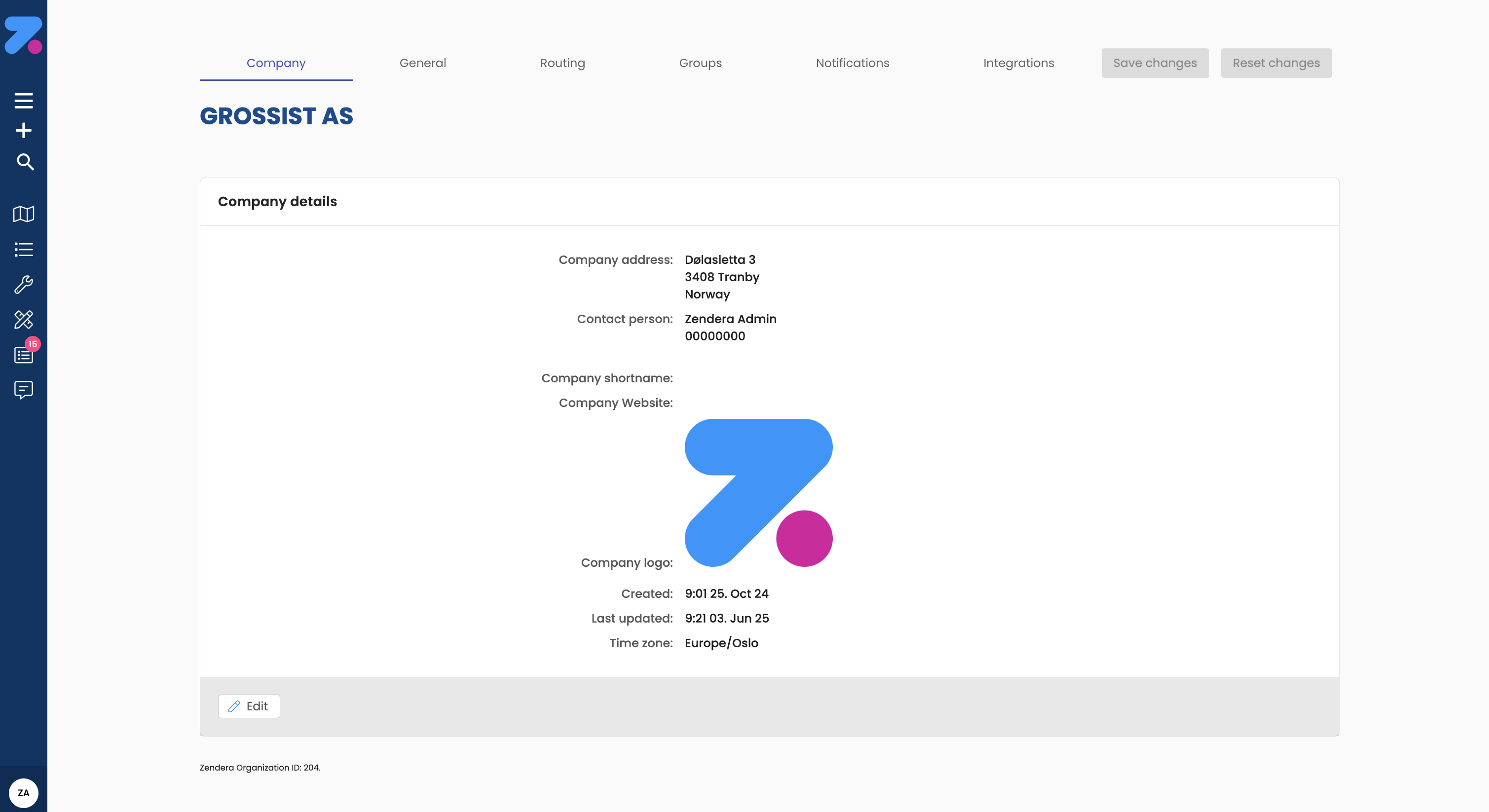
Company configuration with organization details, contact information, and branding settings
Company details
A read-only card with your organization’s registered information:
- Name
- Org nr — your organization number.
- Time zone
- Created and Last updated
- Zendera organization ID — Zendera’s own identifier for your organization. Integrations often need it together with the API key.
Public profile
- Shortname — at most 11 characters: letters, numbers and spaces.
- Website
- Logo — click Choose image to pick an image file. It’s uploaded when you save.
Company address
Search for and select your company’s address.
Contact person
First name, Last name, Phone number and Email for your organization’s contact person.
How to save changes
- Edit the fields you need.
- Click Save changes at the top right. The button is only active when something has changed.
What’s next
- Settings → Reference data — order types, vehicle types, units, skills, custom fields and warehouse.
- Users — who can sign in to the web app.
- Settings — overview.
Last updated on